Works on every device, in minutes
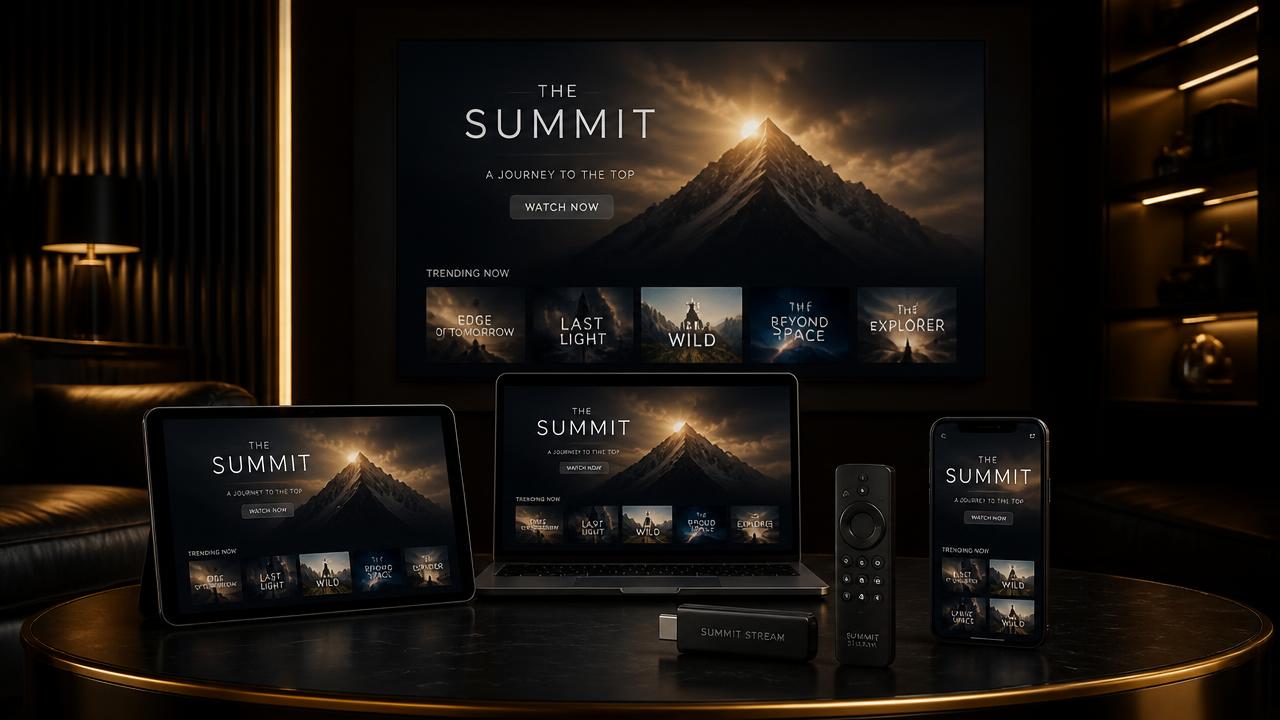
Firestick, Smart TV, Android, iOS, Apple TV, MAG, PC, Mac and consoles. Follow the guide for your device or let our team set it up with you.
Step-by-step installation
Amazon Firestick / Fire TV
Downloader + IPTV Smarters Pro
- 1Enable apps from unknown sources in Settings → My Fire TV → Developer Options.
- 2Install the Downloader app and enter the APK link we send you.
- 3Open IPTV Smarters Pro and choose “Login with Xtream Codes API”.
- 4Enter the username, password and server URL from your activation message.
Smart TV (Samsung / LG)
Smart IPTV or IBO Player
- 1Install Smart IPTV or IBO Player from your TV app store.
- 2Open the app and note the MAC address shown on screen.
- 3Send that MAC address to our support team on WhatsApp.
- 4We upload your playlist and you restart the app to start watching.
Android phone, tablet & TV box
IPTV Smarters Pro / TiviMate
- 1Install IPTV Smarters Pro or TiviMate from Google Play.
- 2Select “Xtream Codes API” login.
- 3Paste the credentials from your activation message.
- 4Let the playlist load and your channels and VOD appear instantly.
iPhone, iPad & Apple TV
IPTV Smarters / GSE Smart IPTV
- 1Install IPTV Smarters or GSE Smart IPTV from the App Store.
- 2Choose “Add new user → Xtream Codes API”.
- 3Enter your username, password and server URL.
- 4Save and open the Live TV, Movies or Series tabs.
Windows PC & Mac
VLC or IPTV Smarters desktop
- 1Download IPTV Smarters for desktop, or use VLC for the M3U link.
- 2In VLC choose Media → Open Network Stream and paste your M3U URL.
- 3In IPTV Smarters use the Xtream Codes API login instead.
- 4Enjoy the full catalogue on a large screen.
MAG box & Formuler
Built-in portal / MYTVOnline
- 1Go to Settings → System Settings → Servers → Portals.
- 2Enter “AurumStream” as the portal name and paste the portal URL we provide.
- 3Send us your device MAC address so we can authorise it.
- 4Reboot the box and your channel list loads automatically.
Setup questions
Most customers are watching within five minutes. Our team can also guide you step by step on WhatsApp, or connect remotely if you prefer.
Each screen you purchase allows one simultaneous stream. You can install the app on as many devices as you want, but only the number of screens you bought can play at the same time.
A VPN is not required. Some internet providers throttle streaming traffic, and in that case a VPN can improve stability, but the service works perfectly without one for the vast majority of users.
15 Mbps is enough for HD, 25 Mbps for 4K and 50 Mbps for 8K content. A wired connection always gives the smoothest experience.
Online support
Still have a question? Our team answers in minutes, 24 hours a day.